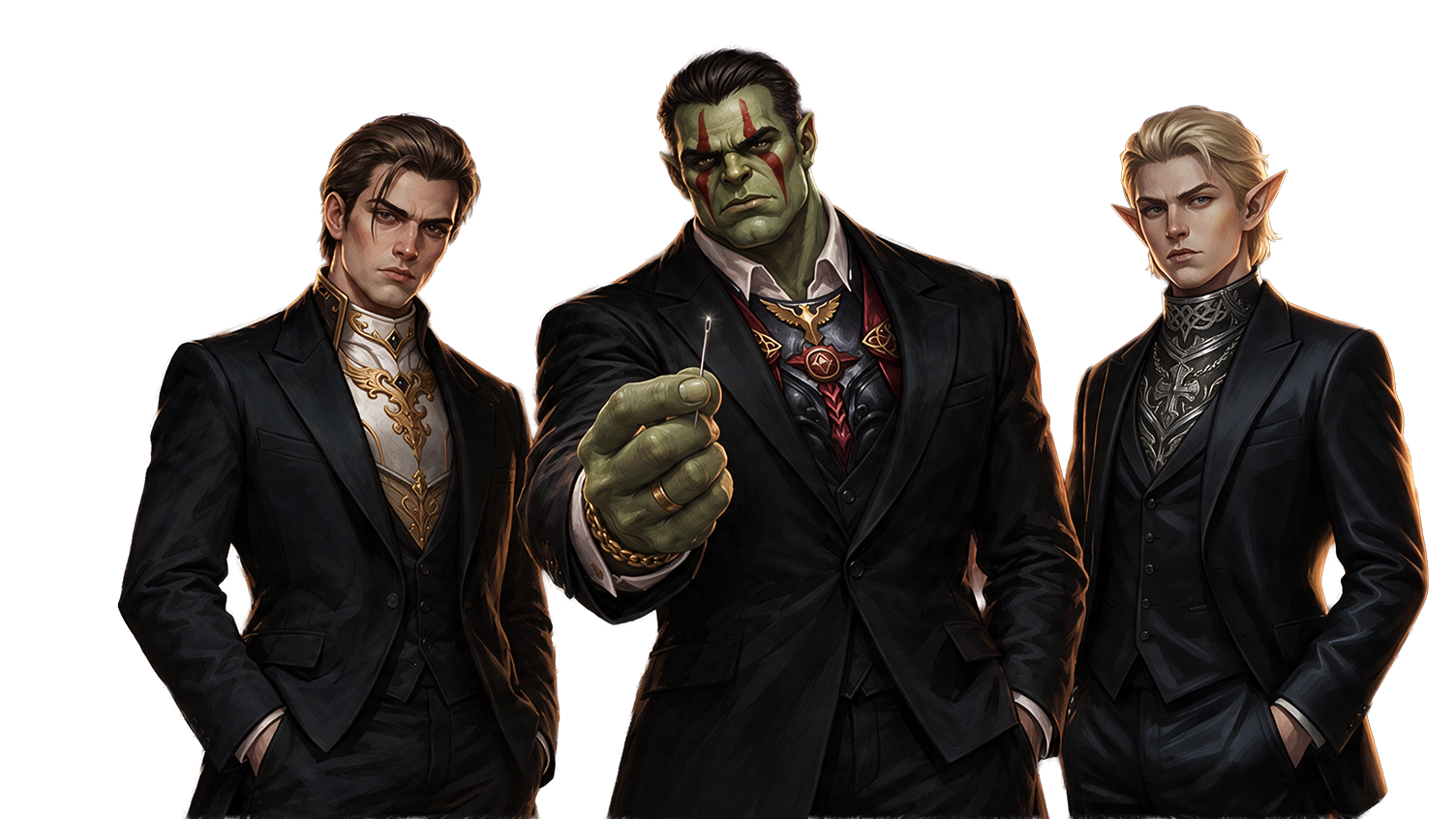
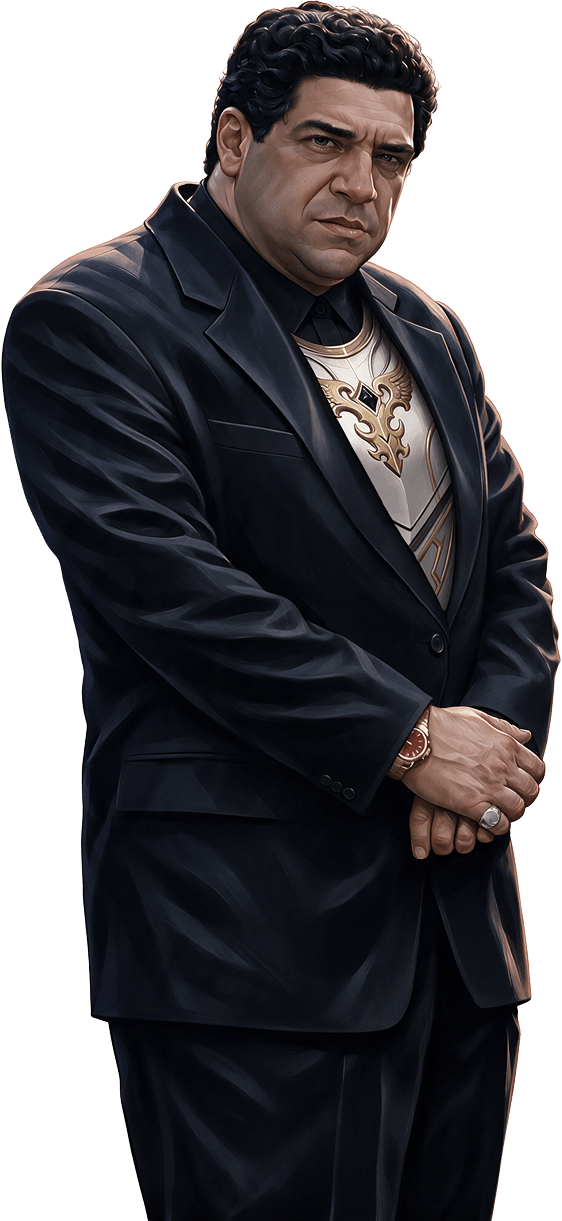
The crew's all here
Create a Family, name it, invite friends, and form a party from the member list. Even in different clans, you're still one Family.
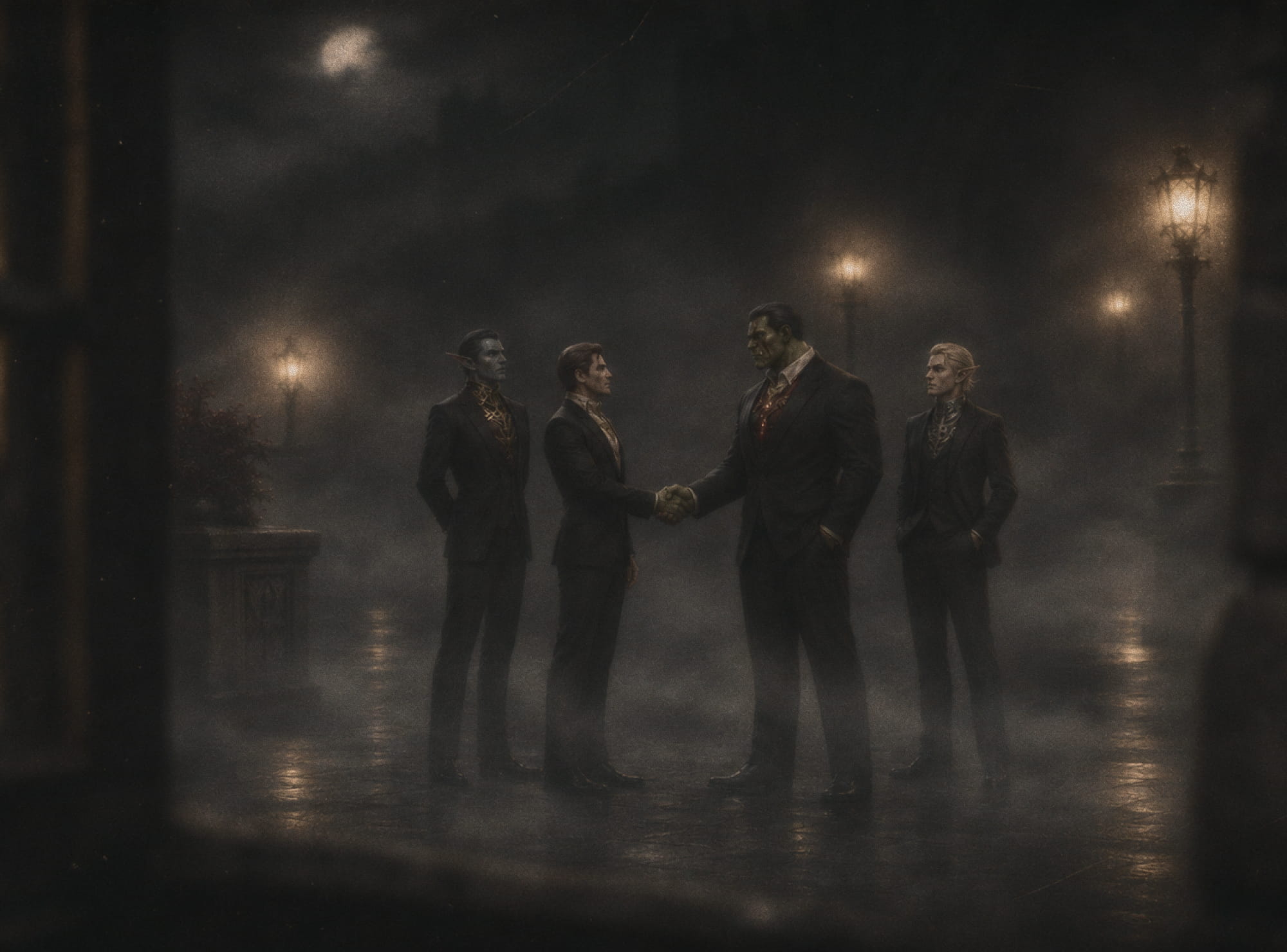

New System
Your group finally has its own place in the game
Const-parties have always existed. The game just didn't know about it. Now it's legit!


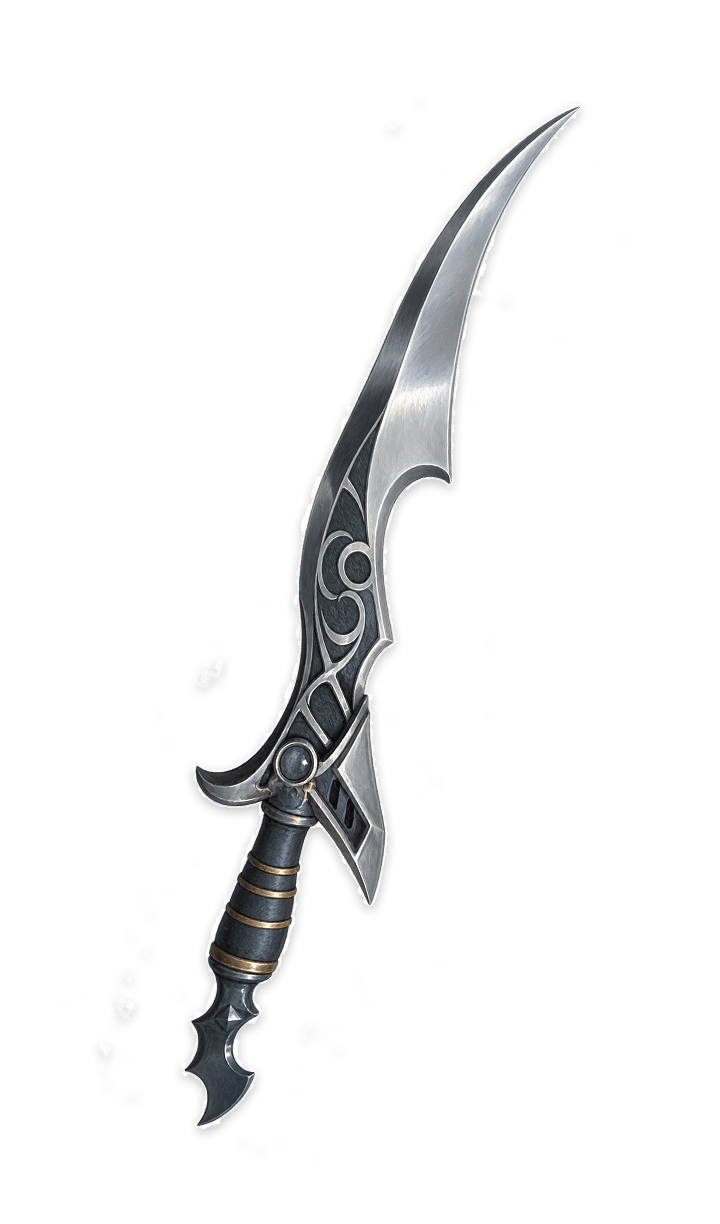

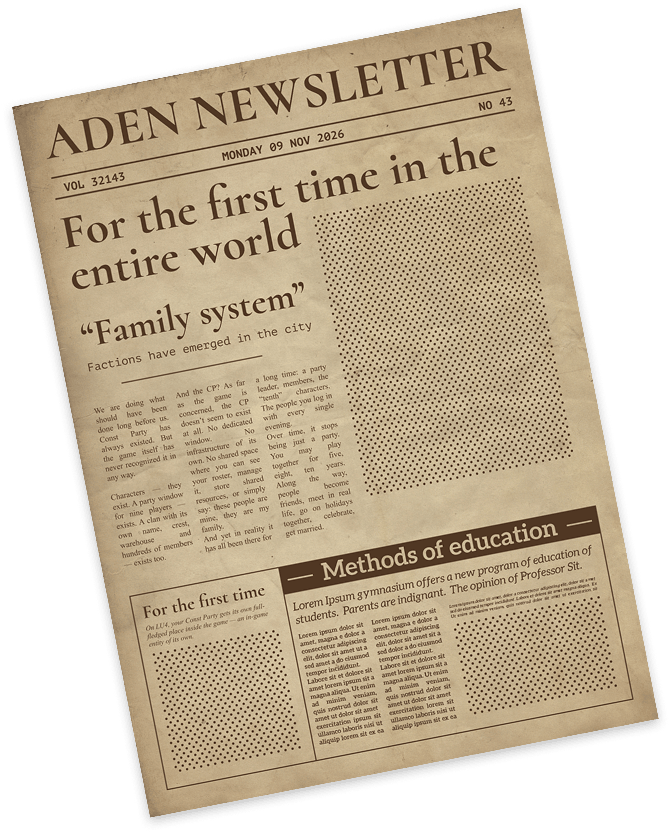

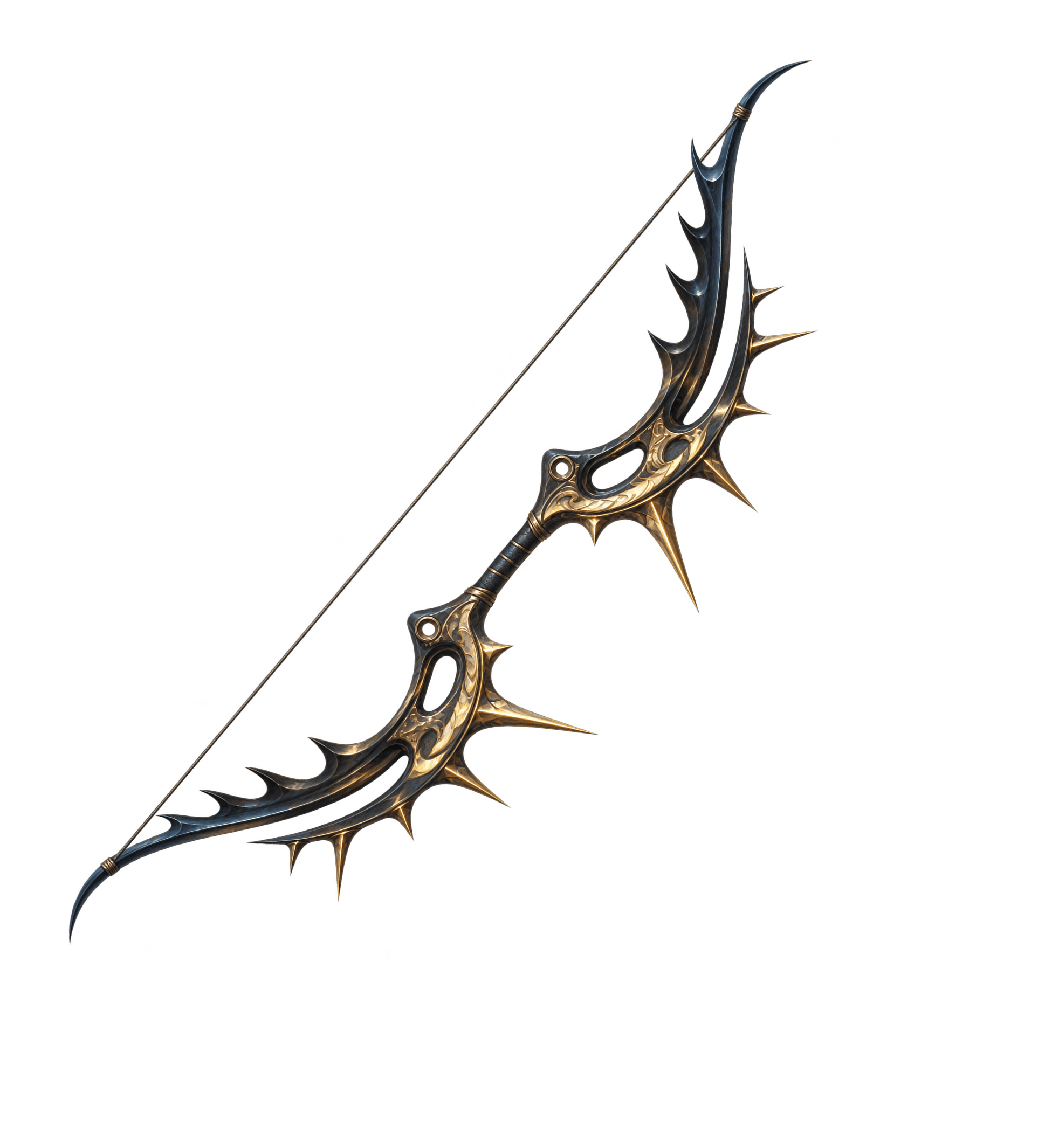

Create a Family, name it, invite friends, and form a party from the member list. Even in different clans, you're still one Family.
Family valuables should be kept where they belong — with your own.
Now every Family has its own warehouse for shared resources and equipment, so your "dwarves" can finally retire.

Every self-respecting Family should have its own emblem.
Choose an emblem, to display in Family members' target frames. Let everyone know who they're dealing with.
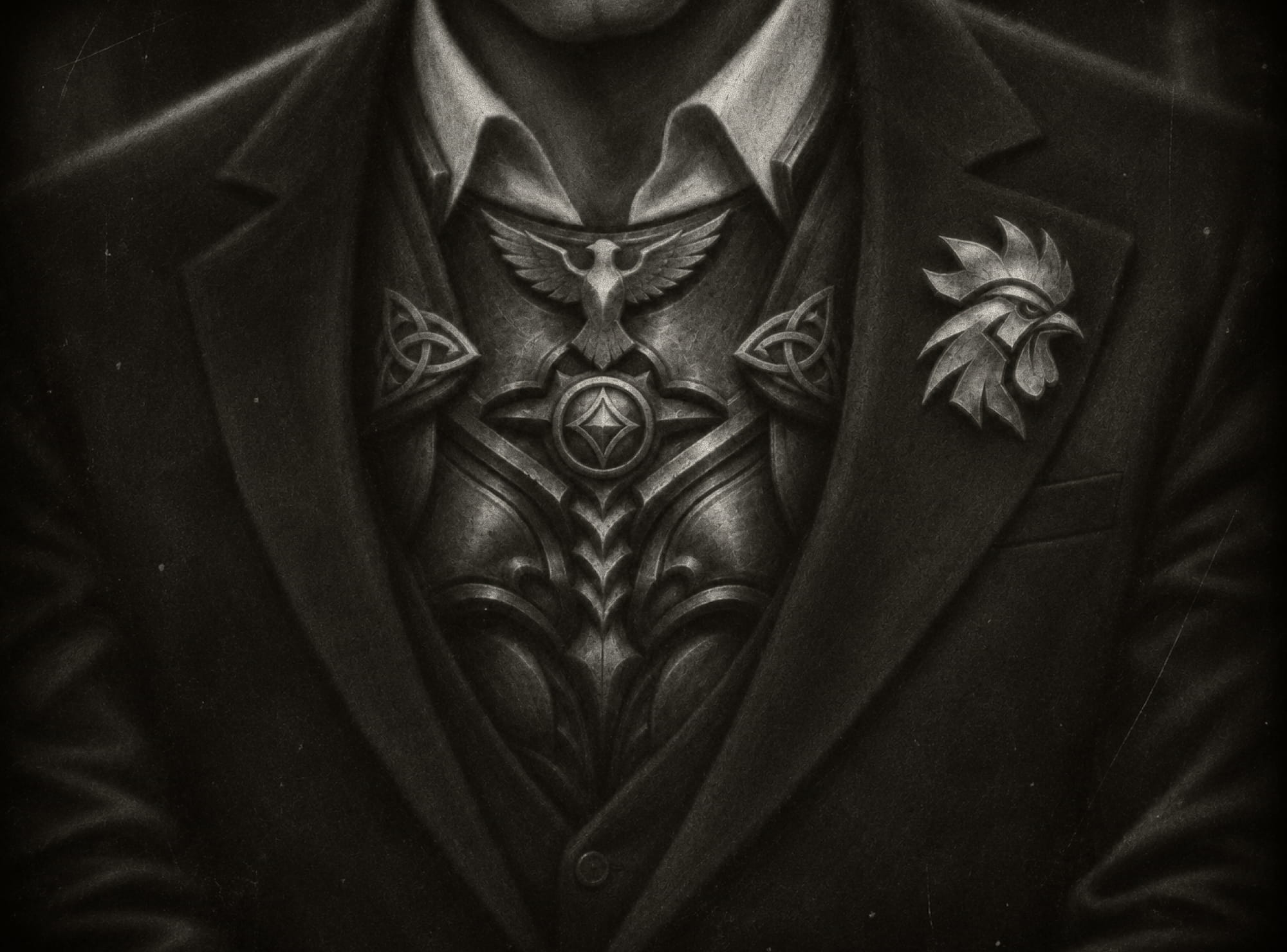
Important matters, shared plans, and heart-to-heart talks are best discussed within the Family.
Now there's a separate chat – a place to arrange meeting times, share news, or simply chat.

Whether you play solo, in a constant party, or in a large clan, everyone has their own reasons to stick together.
You don't have to join a clan to be part of a team. Today's random party could become your Family tomorrow.
Your CP is more than just a party: close friends, shared resources, and history. Now with in-game features, too.
Strong CPs build strong clans. The Family System helps them organize. Less routine, more time for shared goals.


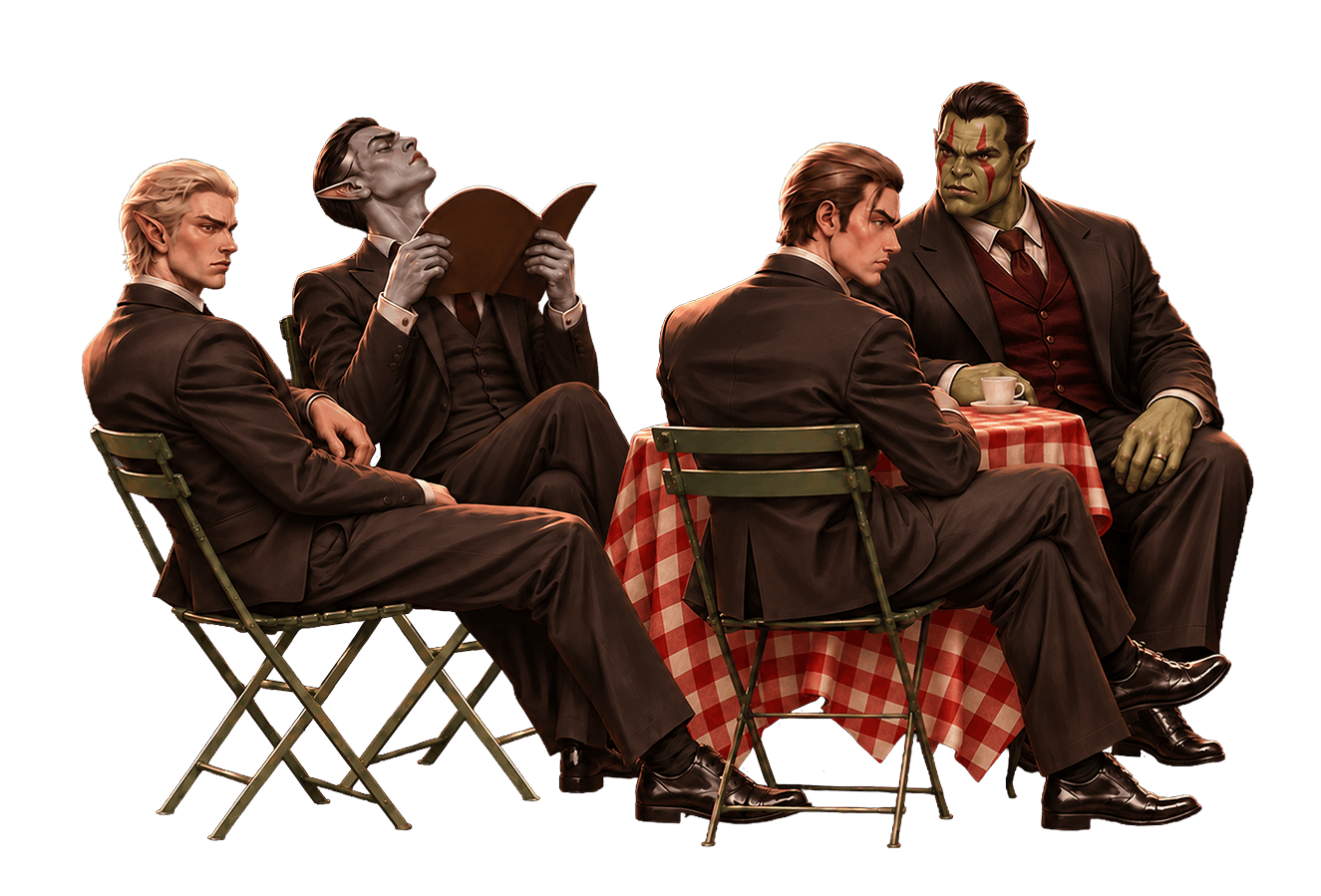
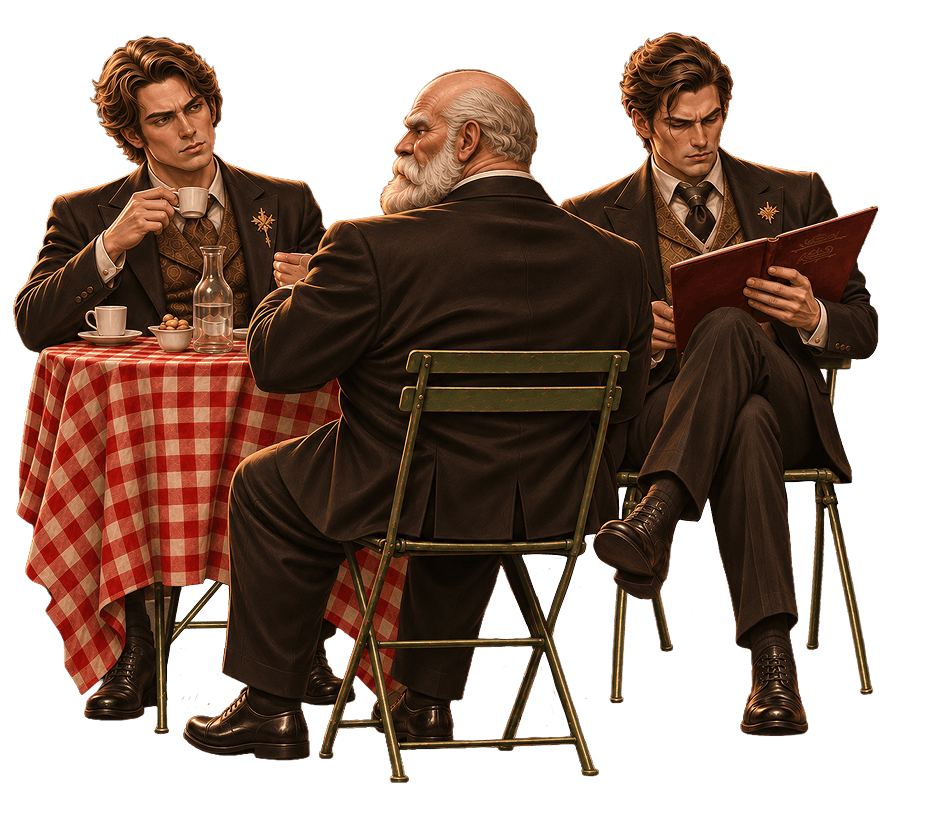
Maybe you're the one someone's Family has been looking for?
Find a team or start your own — pick a platform and get searching.


What do you see in your Family's future? We have a few theories, and we invite you to join the investigation

Special skills you can level up to make your team stronger
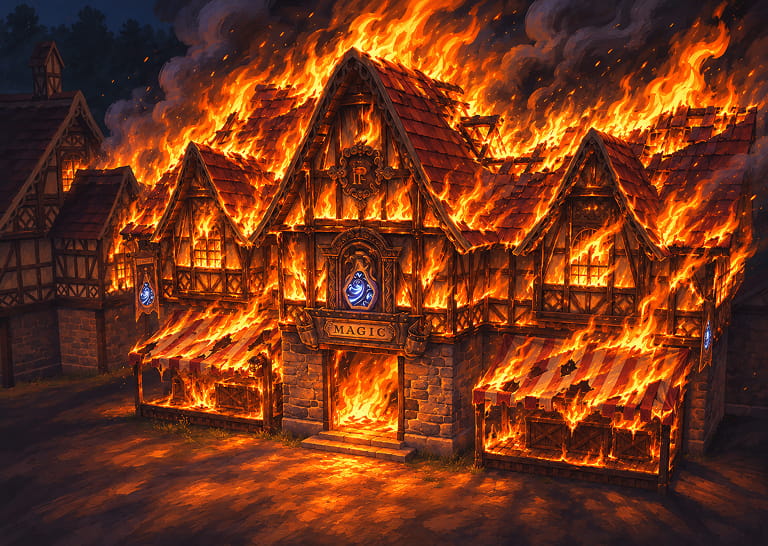
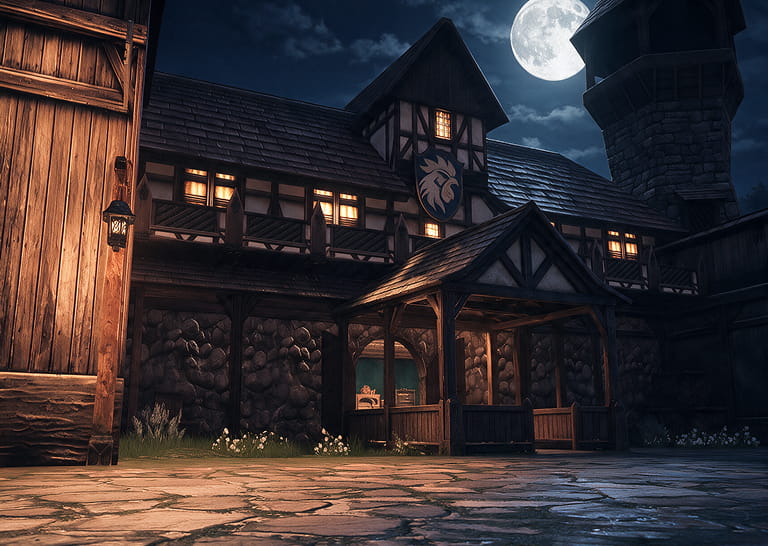
A place for the whole Family to gather, craft in peace, or regroup before a big event.

Declare war on other Families, fight for dominance, and prove who's stronger
Dwarves have filed a collective complaint, demanding their jobs back
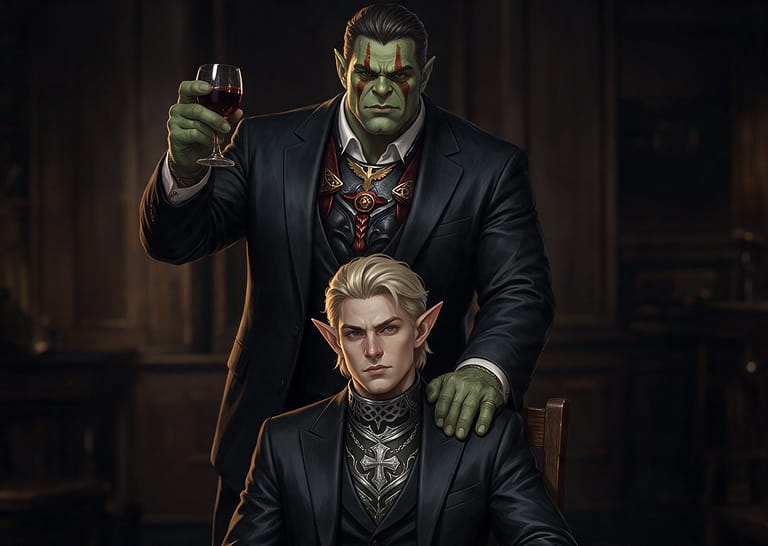
A progression system that lets your Family grow and develop alongside its members
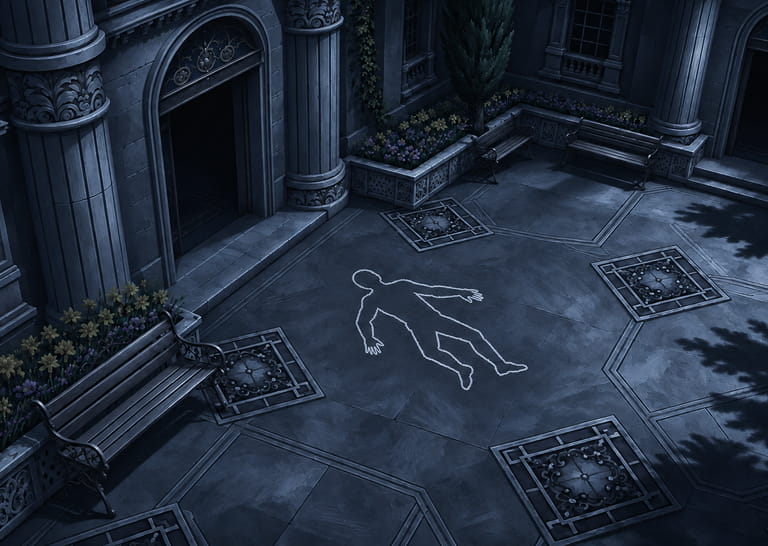
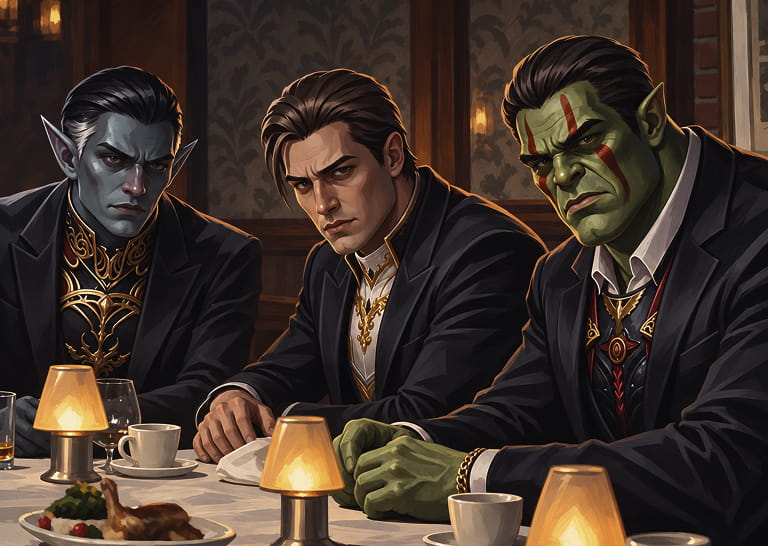
Shared quests, progress, and rewards for Family members
Family members who are late for prime will be cut out of the will
Every clue counts. Share your ideas for the Family system's future
Being without a clan doesn't mean being alone.
A Clan is a large organization, while a Family is a close circle of people you're used to playing alongside. You can belong to different clans or none at all — you're still one team.
Each Family has shared storage for resources and equipment, a private chat, an emblem, and a member list you can form a party directly from.
It's simple – talk to any Guild Master, just like when creating a clan.
You'll need a character of level 20 or higher with their first class transfer completed, plus 350 000 Adena.
First, Family members will receive an MP regeneration bonus and access to shared storage with one tab containing 200 slots. You'll be able to expand it later.
This is just the beginning – we plan to develop the system and add more features.
Operating System: Windows 10/11 (64-bit)
CPU: Intel Core i5-8400 or AMD Ryzen 5 1600 (6 cores preferred)
RAM: 16 GB
GPU: NVIDIA GeForce RTX 2060 or AMD Radeon RX 5700 (8 GB VRAM)
DirectX: Version 11 / 12
Storage: 50+ GB of free space
Gamma is our flagship server with a long and eventful history. Black, White, and Carmine opened this summer. Demand at launch was so high that we opened several worlds to make the experience more comfortable.
Black and White have identical gameplay conditions but slightly different atmospheres. Black is more competitive, while White suits those who prefer a calmer, more relaxed pace.
Keep time zones in mind, too: Gamma, Black, and White run on UTC+3, while Carmine runs on UTC−3, with convenient prime time for Latin American players.
To start playing, follow three simple steps:
1. Create a Master Account and verify your email
2. Create a Game Account in your account dashboard
3. Download the launcher, select LU4, and click Check Files – it will install the game client and the latest updates
If you need help, check out our step-by-step beginner's guide. It covers registration, installation, and useful features in detail.
https://mw2.wiki/lu4-gamma/posts/post/361-how-to-start-playing
Open the Settings menu in the bottom-right corner of the screen. Here you can adjust graphics, performance, and how game information is displayed.
- Graphics: in the Video tab, choose your graphics quality and adjust Render Resolution.
- Performance: in the Optimization tab, select Performance to boost FPS in large-scale PvP.
- Name Display: in the Game Play tab, open Display Creds and disable Traders Names to hide traders' names.
For a detailed breakdown of all settings, check out our guide.
https://mw5.community/topic/214996-lu4-settings/
Find a special Family System launch code in the "Token of Appreciation" section of this page.
For more codes, visit our Telegram bot (@EGlobal_Master_Bot). Press Start, open "Gifts", and follow the instructions.
Then redeem your code in your account dashboard.
Important: Telegram gift codes are personal and can only be redeemed by characters level 20 or higher.
The bot also has useful guides, game links, and subclass boss respawn times.
We publish all important changes in the "Patchnotes and changes" section of our forum.
There you'll find information about new mechanics and events, client and interface updates, balance adjustments, bug fixes, and server changes.
First things first
Token of Appreciation
Family business has its own style

Getting ready for business
Place in an empty folder and click the Check Files. launcher will download the client and update it to the latest version
DownloadStill have questions? Watch the video: